
Create UltraStar songs with the help of AI
Upload a song or add a link to a song on YouTube, and create an UltraStar song with a little help from AI.
Download, freeFor Mac and Windows
4 steps to create an UltraStar song
-
Upload
Upload a song or paste a YouTube link. Then extract the vocals from the song.
-
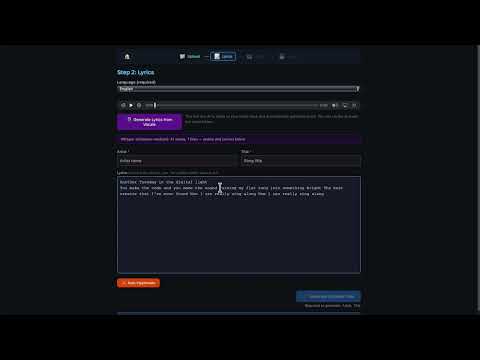
Lyrics
Search for the song's lyrics or generate them from the vocals, then double-check and edit them.
-
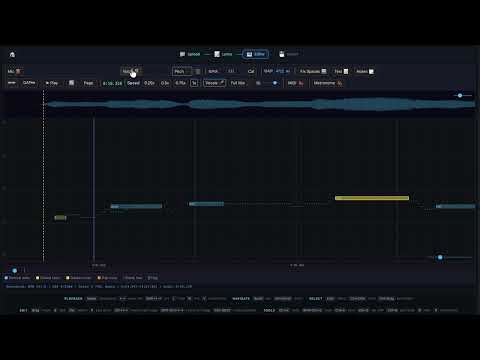
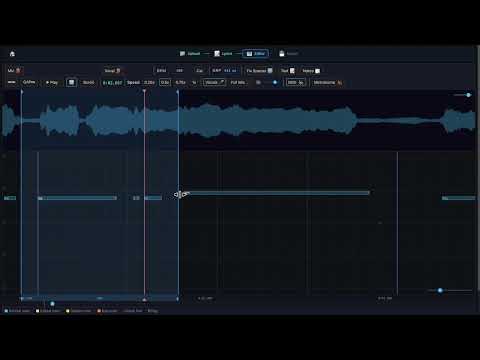
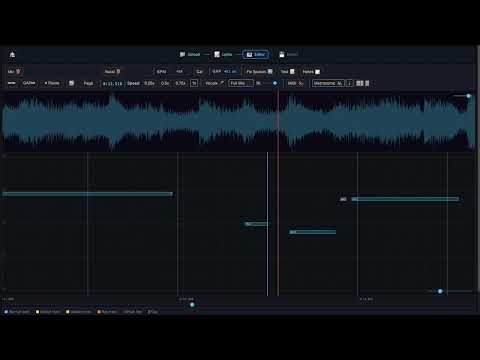
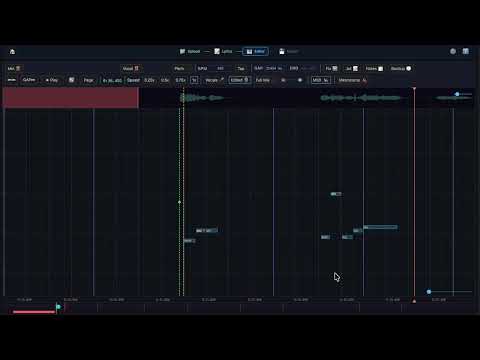
Editor
After the AI has generated the notes, fine-tune them by hand.
-
Export
Save the finished song as a folder, ready to sing in the game, or as a file to share on USDB, the UltraStar song library.
YouTube tutorials
These show earlier versions, so some screens look different.
Download
Version 5.0.0 · free · the app updates itself after that.
Tried it? Tell us
Something broken, or an idea for the next version? Every report helps. You need a free GitHub account to write one.
